Best Free AI Tools in 2026 are transforming the way people work, create content, and improve productivity. Whether you’re a student, content creator, developer, freelancer, or business owner, free AI tools can help you save time and accomplish more without spending money.
In this guide, we’ll explore the best free AI tools in 2026, including ChatGPT, Google Gemini, Claude AI, Canva AI, DeepSeek AI, and other powerful platforms that offer excellent free features. These tools can help with writing, coding, research, design, and much more.
Why Use the Best Free AI Tools in 2026?
Artificial Intelligence is becoming an essential part of everyday life. The best free AI tools offer many advantages:
- Save time on repetitive tasks.
- Improve productivity and efficiency.
- Generate content quickly.
- Create graphics and videos.
- Assist with coding and programming.
- Improve writing and grammar.
- Help with research and learning.
The good news is that many AI platforms offer free plans that are more than enough for most users.
1. ChatGPT
Best For: Writing, Productivity, and Coding
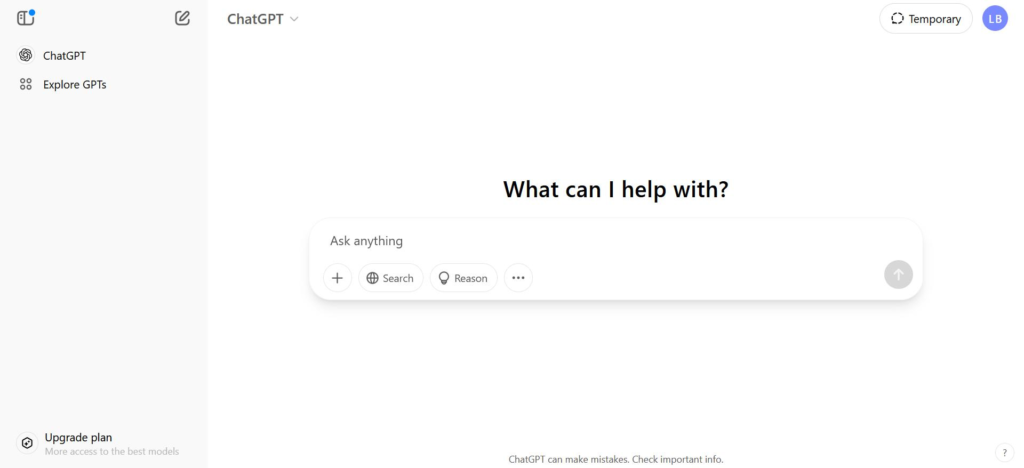
ChatGPT remains one of the most popular AI tools in 2026. It can generate articles, answer questions, summarize information, write emails, and even help with programming tasks.
Key Features
- Content generation
- Coding assistance
- Language translation
- Brainstorming ideas
- Learning support
Advantages
- Easy to use
- Fast responses
- Useful for students and professionals
Learn more on the official OpenAI website:
https://openai.com/chatgpt
2. Google Gemini
Best For: Google Workspace Users
Google Gemini is one of the best AI assistants for people who regularly use Gmail, Docs, and other Google products.
Key Features
- Writing assistance
- Document summarization
- Research support
- Productivity enhancement
Advantages
- Seamless Google integration
- User-friendly interface
- Great for professionals
Visit Google Gemini:
https://gemini.google.com
3. Microsoft Copilot
Best For: Windows Users
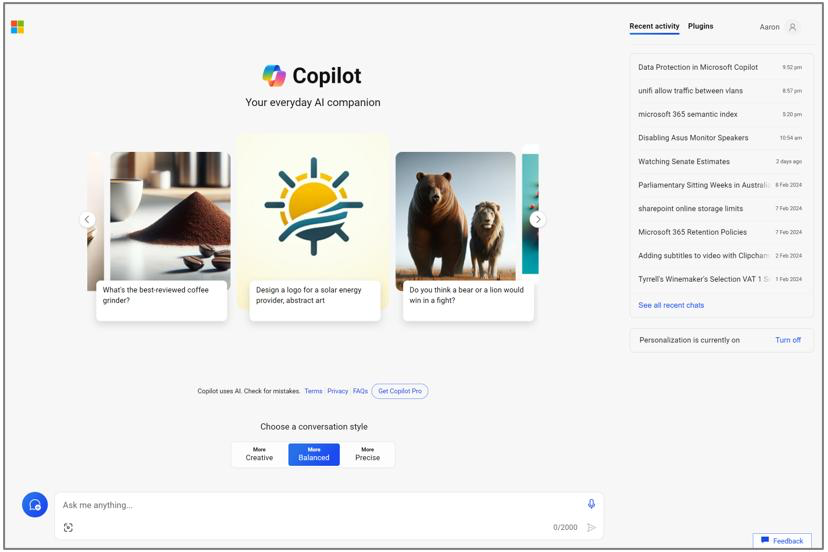
Microsoft Copilot offers AI-powered assistance for everyday work and integrates well with Microsoft’s ecosystem.
Key Features
- AI search
- Writing assistance
- Coding help
- Productivity support
Advantages
- Excellent for Windows users
- Easy access across Microsoft products
Official website:
https://copilot.microsoft.com
4. Canva AI
Best For: Graphic Designers and Content Creators
Canva AI helps users create beautiful graphics, social media posts, presentations, and videos without requiring advanced design skills.
Features
- AI image generation
- Video editing
- Presentation creation
- Thousands of templates
Advantages
- Beginner-friendly
- Professional results
Learn more:
https://www.canva.com
5. Grammarly
Best For: Writing and Grammar Correction
Grammarly helps improve writing quality by checking spelling, grammar, punctuation, and readability.
Features
- Grammar checker
- Tone suggestions
- Writing improvement
- Browser extension support
Advantages
- Easy to use
- Ideal for students and professionals
Official website:
https://www.grammarly.com
6. Claude AI
Best For: Long Documents and Content Writing
Claude AI has become one of the most powerful AI assistants for handling lengthy documents and producing natural responses.
Features
- Content generation
- Document analysis
- Brainstorming
- Coding assistance
Advantages
- Human-like writing
- Excellent readability
Learn more:
https://claude.ai
7. Perplexity AI
Best For: Research and Information
Perplexity AI provides accurate answers with sources, making it an excellent choice for researchers and students.
Features
- Source citations
- Web research
- Summaries
- Fast responses
Advantages
- Reliable information
- Easy to use
Official website:
https://www.perplexity.ai
8. DeepSeek AI
Best For: Developers and Programmers
DeepSeek AI has gained popularity among programmers due to its impressive coding capabilities.
Features
- Code generation
- Technical explanations
- Problem-solving assistance
- Programming support
Advantages
- Supports multiple languages
- Helpful for developers
Official website:
https://www.deepseek.com
9. Notion AI
Best For: Productivity and Organization
Notion AI helps users organize notes, summarize information, and improve workflow efficiency.
Features
- Task management
- Content summarization
- Writing support
- Collaboration tools
Advantages
- Excellent productivity features
- Great for teams
Official website:
https://www.notion.so
10. Adobe Express AI
Best For: Content Creators and Designers
Adobe Express AI allows users to create graphics, edit images, and design professional content.
Features
- AI image editing
- Video templates
- Branding tools
- Design suggestions
Advantages
- Professional quality
- Easy-to-use interface
Official website:
https://www.adobe.com/express
Comparison Table
| AI Tool | Best For | Free Plan |
|---|---|---|
| ChatGPT | Writing & Coding | Yes |
| Gemini | Productivity | Yes |
| Copilot | Windows Users | Yes |
| Canva AI | Graphic Design | Yes |
| Grammarly | Writing | Yes |
| Claude AI | Long Documents | Yes |
| Perplexity AI | Research | Yes |
| DeepSeek AI | Coding | Yes |
| Notion AI | Productivity | Yes |
| Adobe Express AI | Content Creation | Yes |
Which Free AI Tool Should You Choose?
For Content Writing
- ChatGPT
- Claude AI
For Research
- Perplexity AI
- Google Gemini
For Coding
- DeepSeek AI
- ChatGPT
For Graphic Design
- Canva AI
- Adobe Express AI
For Productivity
- Notion AI
- Microsoft Copilot
Frequently Asked Questions
Which is the best free AI tool in 2026?
ChatGPT remains one of the best free AI tools in 2026 because of its versatility, ease of use, and wide range of capabilities.
Are free AI tools worth using?
Yes. Most free AI tools offer enough features for students, professionals, and content creators without requiring a paid subscription.
Which AI tool is best for coding?
DeepSeek AI and ChatGPT are excellent options for developers and programmers.
Can I use AI tools for business?
Absolutely. Many businesses use AI tools for customer support, content creation, productivity, and marketing.
Are AI tools safe to use?
Most reputable AI platforms follow strict privacy and security policies. However, users should avoid sharing sensitive personal information.
Final Thoughts
The best free AI tools in 2026 are making technology more accessible than ever before. Whether you’re writing articles, designing graphics, conducting research, or improving productivity, there is an AI solution available for you.
For most users, starting with ChatGPT, Google Gemini, and Canva AI is an excellent choice. Developers may prefer DeepSeek AI, while researchers can benefit from Perplexity AI. As artificial intelligence continues to evolve, these tools will become even more powerful and useful.
By taking advantage of these free AI platforms, you can save time, improve efficiency, and stay ahead in the digital world.